The official app and the web account portal both use mobile-number login with a one-time password (OTP). There is no password to remember and no email-based login. If you have signed up before, use the same mobile number to sign back in.
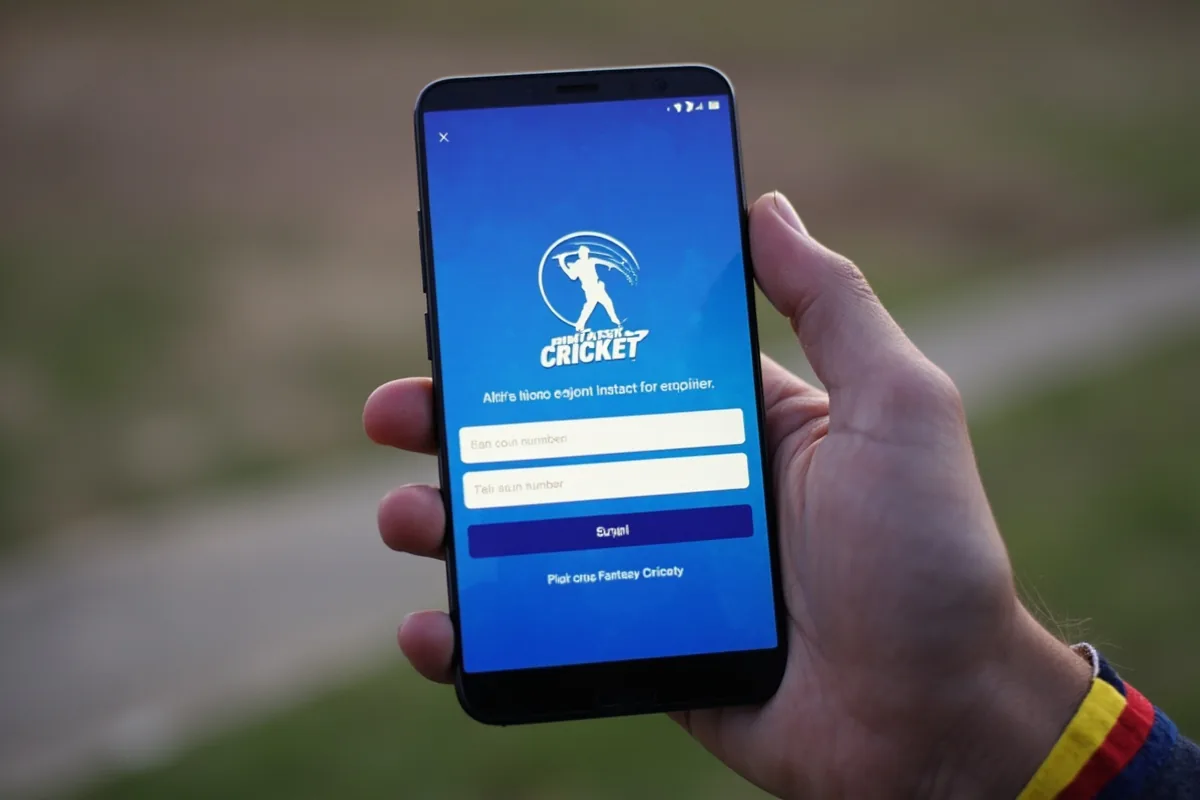
How to sign in on the app
- Open the app.
- Tap "Sign in" on the home screen.
- Enter the mobile number you used during signup.
- Wait for the OTP — typically arrives within 5 seconds.
- Enter the 6-digit OTP and tap "Verify".
- You will be redirected to the home screen with your account loaded.
How to sign in on the web
- Open the official website in your browser.
- Click "Sign in".
- Enter your mobile number.
- Enter the OTP received on SMS.
- You are signed in to the web account portal.
If you do not receive the OTP
Most OTP delivery failures are temporary and resolve within a minute. If the OTP does not arrive:
- Check that you have mobile network signal.
- Confirm that you are entering the same mobile number used during signup.
- Wait 60 seconds and tap "Resend OTP".
- If still no OTP, contact customer care.
Frequently asked questions
Yes — open the app, go to Profile → Account → Change Mobile. You will need to verify the new number via OTP. KYC documents must be re-uploaded if they were tied to the old number.
No — the official operator does not allow merging accounts. Use one account per mobile number to keep your wallet and contest history tidy.
OTP login is the official security model. There is no password-based login to maintain. The OTP prevents unauthorised access to your wallet and contest entries.
Filed by IPL Live Fantasy editorial desk · Updated 20 July 2026.